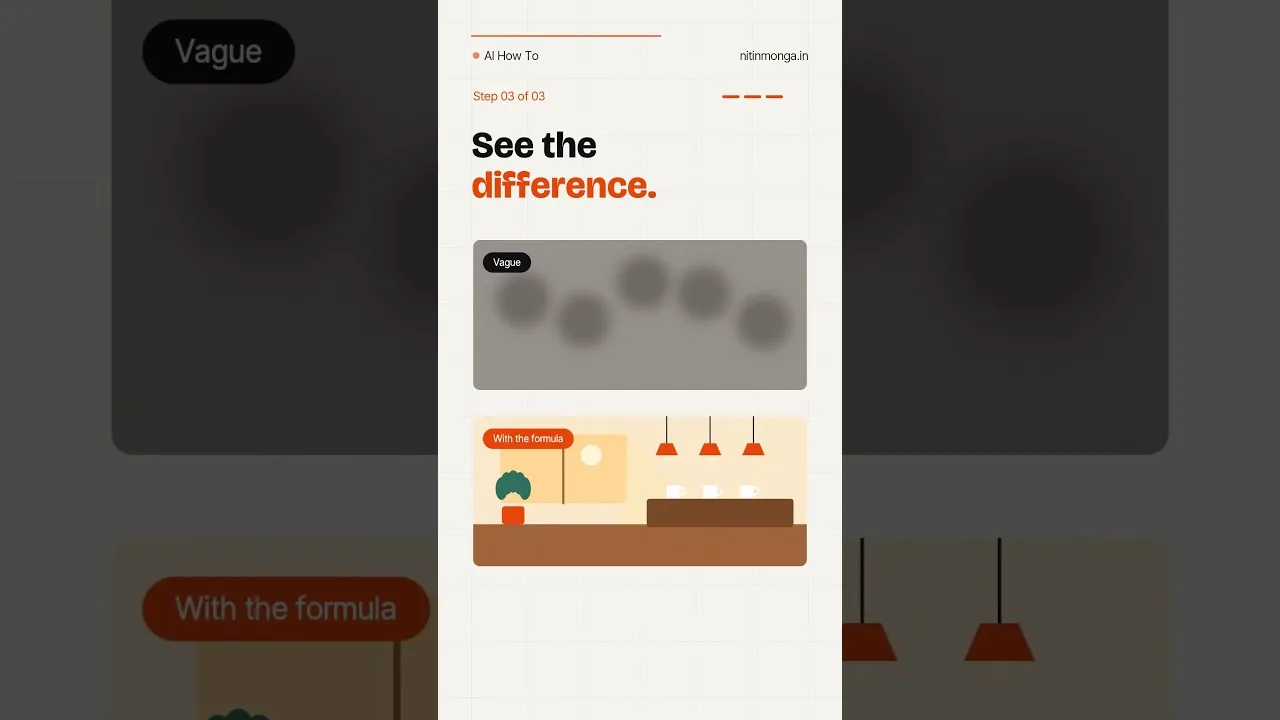
Every generator produces its share of soft faces, melted objects, and backgrounds that dissolve under inspection. The beginner's response is to regenerate everything and hope; the practitioner's response is diagnosis, because each flaw family in the Whisk AI image tool has a different cause and therefore a different cure.
This guide sorts the flaws — overall softness, local distortion, artefacts in busy areas, warped text and hands — and matches each to its fix: a better reference, a simpler composition, a different style, or a clean regeneration.
By the end, a flawed image stops being a disappointment and becomes a readable report on what to change next.
Overall Softness
When the whole image is soft, suspect scale and complexity first: a wide scene with a small subject spreads the model's detail too thin, and busy prompts — crowds, markets, forests of objects — tax every region at once. Move closer, simplify the scene, and let the subject own more of the frame.
Softness also follows weak references. A blurry subject reference guarantees a blurry subject in every descendant, which no regeneration can outrun. Replace the reference with the sharpest version you own before changing anything else.
Local Distortion: Hands, Faces, Objects
Distortion concentrates where the model must invent intricate structure: fingers, teeth, jewellery, bicycle spokes, text. The cure is composition, not repetition — restage so the hard element is smaller, simpler, or out of frame, and the same prompt suddenly renders cleanly.
Where the element is the point of the picture, change medium. Illustrated styles render a hand as a suggestion the eye accepts, where photography renders it as a claim the eye audits. The style families in Whisk AI image styles explained are, among other things, a distortion-avoidance toolkit.
Artefacts in Busy Backgrounds
Backgrounds that smear, repeat, or grow extra objects usually trace to an overloaded prompt or a scene reference fighting the subject reference. Ask for a simpler environment — fewer named elements, one clear setting — and let the background be a backdrop rather than a second subject.
The refinement loop in refining and remixing images in Whisk AI handles this surgically: hold the subject, swap only the scene for a calmer one, and compare. Backgrounds are the easiest element to replace and the least mourned.
Warped Text and Logos
Treat rendered text as guilty until proven innocent: read every word in the image letter by letter before use. Models produce text-shaped decoration that survives a glance and fails a reading, and publishing it is the fastest way to make good work look careless.
The professional workflow keeps text out of the generation entirely: generate the art with quiet space reserved, and add real text afterwards in any editor. Your words, spelled by you, in a font you chose — the division of labour that should never have been delegated.
When Regeneration Is the Right Answer
Some generations are simply unlucky draws: the composition misunderstood, the subject mangled at the seed level. Recognise them by their foundations rather than their details — if the picture's basic arrangement is wrong, regenerate rather than refine.
Change one meaningful thing in the recipe when you do: a clearer subject sentence, a different scene, a stronger style word. A pure re-roll occasionally works and teaches nothing; an adjusted re-roll works more often and teaches every time. Prompt adjustments follow the method in this library's prompt writing guide.
Inspect at Final Size
Judge every candidate at the size and distance of its real use. Flaws invisible at thumbnail scale are honest quality for a thumbnail job; flaws glaring at full size disqualify a wallpaper. Much despair in AI art is a size mismatch wearing the disguise of a quality problem.
Zoom once into faces and hands, the two regions audiences inspect instinctively, then step back and judge the whole. That two-distance inspection takes twenty seconds and catches nearly everything that would embarrass you later.
Build a Personal Flaw Checklist
Your work will attract its own recurring flaws — the subjects you favour stress the model in characteristic ways. Keep a three-line checklist in your notebook: your usual suspects, your standard fixes, your abort conditions. Diagnosis becomes reflex, and reflex is where speed lives.
Share the checklist with anyone you teach. Flaw literacy is the least glamorous and most transferable part of this entire craft.
Blur is information: about scale, complexity, references, or medium. Read the flaw, apply its specific cure, and the same model that disappointed you starts looking competent — because it was, and the brief was not.
Simplify first, restage second, regenerate third. That order fixes most images in this app within two rounds.
Keep one deliberately flawed generation in your training folder — the worst hand, the most haunted background — annotated with its diagnosis. A personal museum of failure, honestly labelled, teaches faster than a gallery of successes, because success rarely explains itself and failure always does.
When a flaw survives every cure in this guide, record it as a known model limit in your notebook and compose around it permanently. Professional practice is largely a maintained list of what the tools cannot yet do, consulted before the brief is written rather than after the deadline is missed.
Flaws are tuition the model charges once. Pay attention, and the same lesson never bills you twice.