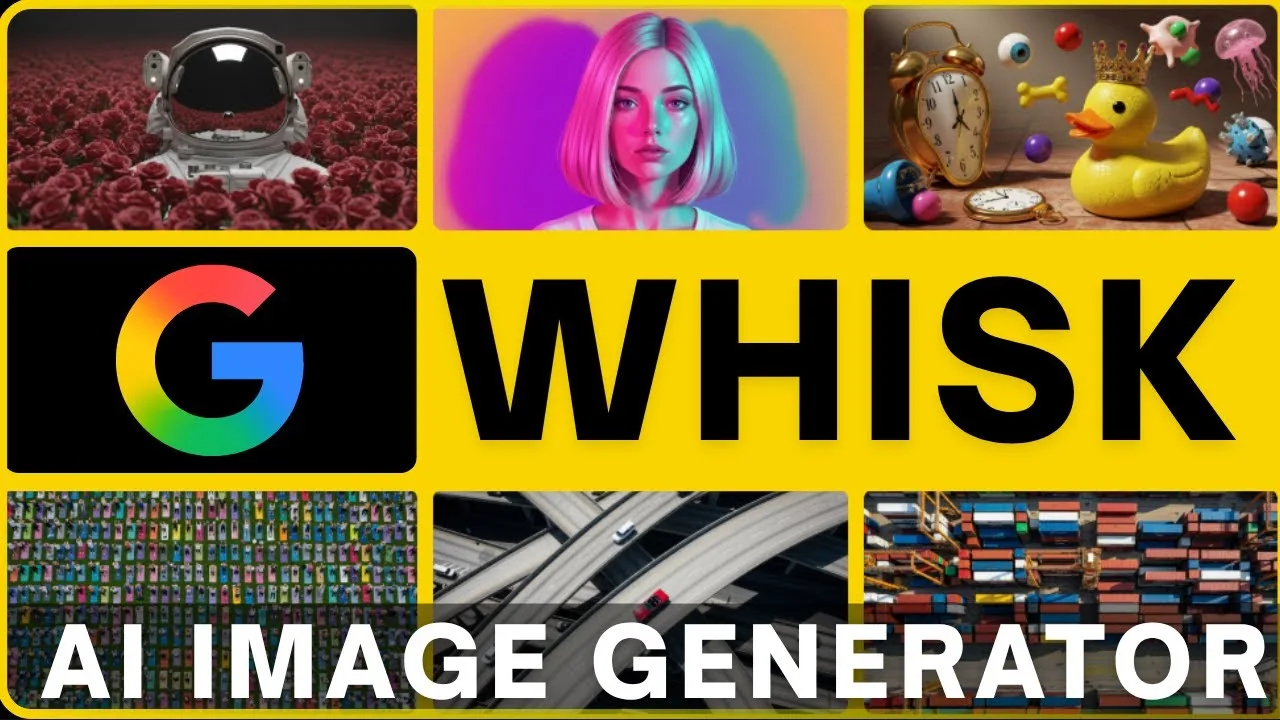
AI image apps look interchangeable from their screenshots and are anything but. They divide by method: text-only generators that dream from words, editor-style tools that modify photographs, and reference-driven creators like Whisk AI mobile image app that build new images from supplied subjects, scenes, and styles. Knowing which kind you are holding matters more than which brand, because the kind decides what the tool can and cannot do for you.
This comparison is deliberately fair. Each category holds real advantages, and the verdict at the end is a matching exercise between your jobs and the methods, not a coronation.
If you have ever been frustrated that a famous generator could not keep your product or your character consistent, this page explains why — and why that was a category error, not a quality failure.
The Three Methods
Text-only tools take a description and imagine everything, which makes them brilliant for scenes that do not exist and frustrating for anything that must remain itself. Editor tools start from your photograph and alter it — backgrounds, objects, light — preserving the original's core while changing its circumstances.
Reference-driven creation sits between: you supply the ingredients as images — this subject, that scene, this style — and the model composes them into a new picture. Identity is anchored by the references; novelty comes from the combination.
Control and Consistency
Consistency across a series is the reference method's home ground. The same subject reference yields the same product, character, or pet across fifty scenes, which is precisely what sellers, storytellers, and brands need and what text-only tools structurally cannot promise.
Text-only tools answer with freedom: no references to prepare, instant exploration of anything describable. For one-off inspiration — a moodboard, a concept sketch, a wild idea at midnight — that freedom is the right tool and preparation is friction. The features overview in the Whisk AI features guide for mobile users shows where the reference method's controls live in this app.
Speed and Workflow
Text-only generation is fastest to start and slowest to converge when you have a specific image in mind, because every correction is a negotiation in words. Reference work inverts the profile: ten minutes preparing ingredients, then convergence in a few generations.
Editor tools are fastest of all for their narrow job — this photo, improved — and irrelevant outside it. Workflow honesty means choosing by where your project's hours actually go, not by the speed of the first click.
Quality Questions
All three categories now produce images that impress at a glance and reveal their method under inspection. Text-only work drifts in details between generations; edited photos inherit the limits of their source; reference composites can show seams where light or perspective between ingredients disagrees.
Judge quality per job rather than per app. The best tool for a billboard concept, a listing photo, and a birthday banner are three different answers, and maturity is refusing to be loyal to one of them. The everyday blend most creators settle into is sketched in the best ways to use Whisk AI for better mobile results.
Cost and Access
Categories price differently: subscriptions for the big text-only services, freemium tiers in editors, and experimental access models in reference tools like this one, whose terms evolve as the labs behind them graduate their experiments.
Check current terms rather than trusting any comparison's memory, including this one's restraint on specifics. What does not change is the shape of the decision: pay for the method your work uses weekly, and let the other methods be occasional guests.
Privacy and Your Images
Every category processes your uploads on its provider's infrastructure, so the privacy question is uniform: only upload references you are content to send. Faces of private people and unreleased products deserve the same caution in all three.
Where reference work differs is volume: it asks for more of your images by design. Keep a dedicated folder of cleared-for-upload references, and the caution becomes a filing habit rather than a recurring decision.
The Matching Verdict
Choose text-only for pure imagination with no identity to protect. Choose an editor for improving photographs that already exist. Choose reference-driven creation — this app — when something specific must survive across many new images: a product line, a character, a person's likeness with permission, a house style.
Most serious creators end up fluent in two categories and literate in the third. The comparison was never a war; it was a workbench, and each tool hangs in its place.
Method before brand, job before loyalty. Decide what must stay constant in your images and the category chooses itself; the apps within it are then a matter of taste and terms.
If consistency is your recurring pain, you have already made the decision this page exists to clarify.
Revisit the comparison when your work changes rather than when the marketing does. A new product line, a story project, a channel pivot — each can move your centre of gravity between categories overnight, and the right tool is the one standing where your work now lives.
Keep literacy in the other categories even after choosing. A borrowed hour in a text-only tool teaches exploration your reference work can import; an editor's discipline about real photographs sharpens your eye for composites. Categories compete in marketing and collaborate in a practitioner's hands.